Lawn logic: a sprinkler controller from GPIO pins to my phone
The proprietary sprinkler timer couldn't give each zone its own watering time. A Raspberry Pi, a relay board, a REST API, and an Avalonia app later, my lawn also checks the National Weather Service.
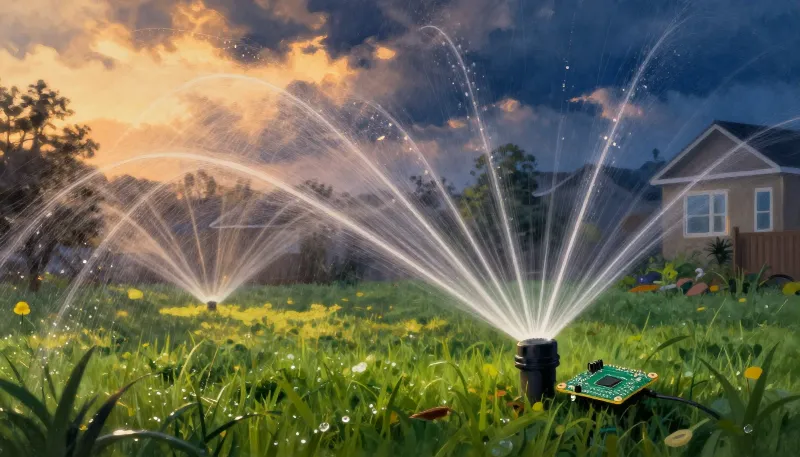
The sprinkler controller that came with the house had one real job and did it badly. It could run all the zones, for the same amount of time, on the days I picked. That was about it. The shady side yard doesn't need what the full-sun front lawn needs, and the controller simply had no way to express that.
The valves themselves are just 24-volt solenoids. So the controller went into a drawer. A Raspberry Pi and a GPIO relay board went into the valve box's wiring, and I started over.
The proof of concept
The first version, preserved in the docs as SimpleExample.md, is a single loop that fits on one screen:
var controller = new GpioController();
var pins = new int[] { 21, 5, 6, 13, 16, 19, 20 };

// Turn off all the sprinkler valves
foreach (var pin in pins)
{
    controller.OpenPin(pin, PinMode.Output);
    controller.Write(pin, PinValue.High);
}
Notice that “off” is High. The relay board is active-low: pulling a pin low energizes the relay and opens the valve. That has one nice property. If the program crashes and the pins float high, the water shuts off. If you're going to get a hardware detail backwards, get it backwards in the direction that doesn't flood the yard.
Seven zones, seven BCM pins (5, 6, 13, 16, 19, 20, 21), with 26 left free on the board for an eighth someday.
The real thing
The proof of concept watered the lawn for a season. The real system is two projects.
SprinklerServer runs on the Pi and exposes a REST API. Zones get friendly names (“Front Lawn” is much nicer than “GPIO 13”). Turning one zone on turns every other zone off, so only one valve is ever open. Schedules are a set of weekdays, an ordered list of zones, a duration for each, and a start time, and several schedules can share a day. New sod, for example, gets an extra midday schedule that I delete once it's established. If I turn a zone on by hand in the middle of a scheduled run, the schedule pauses and then resumes where it left off. Hardware access sits behind an IZoneHardwareController interface, with a no-op implementation so the whole thing runs on my desktop for testing.
SprinklerApp is an Avalonia client with desktop, browser, Android, and iOS targets from one codebase. The phone is the one I actually use: standing in the yard, turning on the zone with the broken head, and watching it.
A rain sensor made of weather data
Instead of wiring in a physical rain sensor, the server asks the National Weather Service API. With the Rain Sensor setting enabled, a scheduled run is skipped if either:
- measurable rain was observed in the two days before the start time, or
- rain is forecast for three or more hours on the watering day.
It checks once a day, and again right before each scheduled run. A skipped run is recorded as handled for that start time, so the scheduler doesn't keep asking the same question every minute of the watering window.
Mutual TLS in the backyard
This is a device that turns physical things on and off, on my network, with an app on my phone that leaves the house. So the server requires a client certificate. Only clients holding a certificate from my own small certificate authority can talk to it, and in the other direction the app trusts the server only if its certificate chains to that same private root. It's more ceremony than a sprinkler seems to deserve, right up until you picture someone else running your zones at 3 a.m. It's baffling to me that my little sprinkler controller is more paranoid about security than some credit reporting agencies are, but this is the world we live in these days.
The drawer still has the old controller in it. It's staying there.